| Term | Definition (Parent-Friendly) |
|---|---|
| VR (Virtual Reality) | A digital experience where your child wears a headset to feel like they’re inside a game or digital world. |
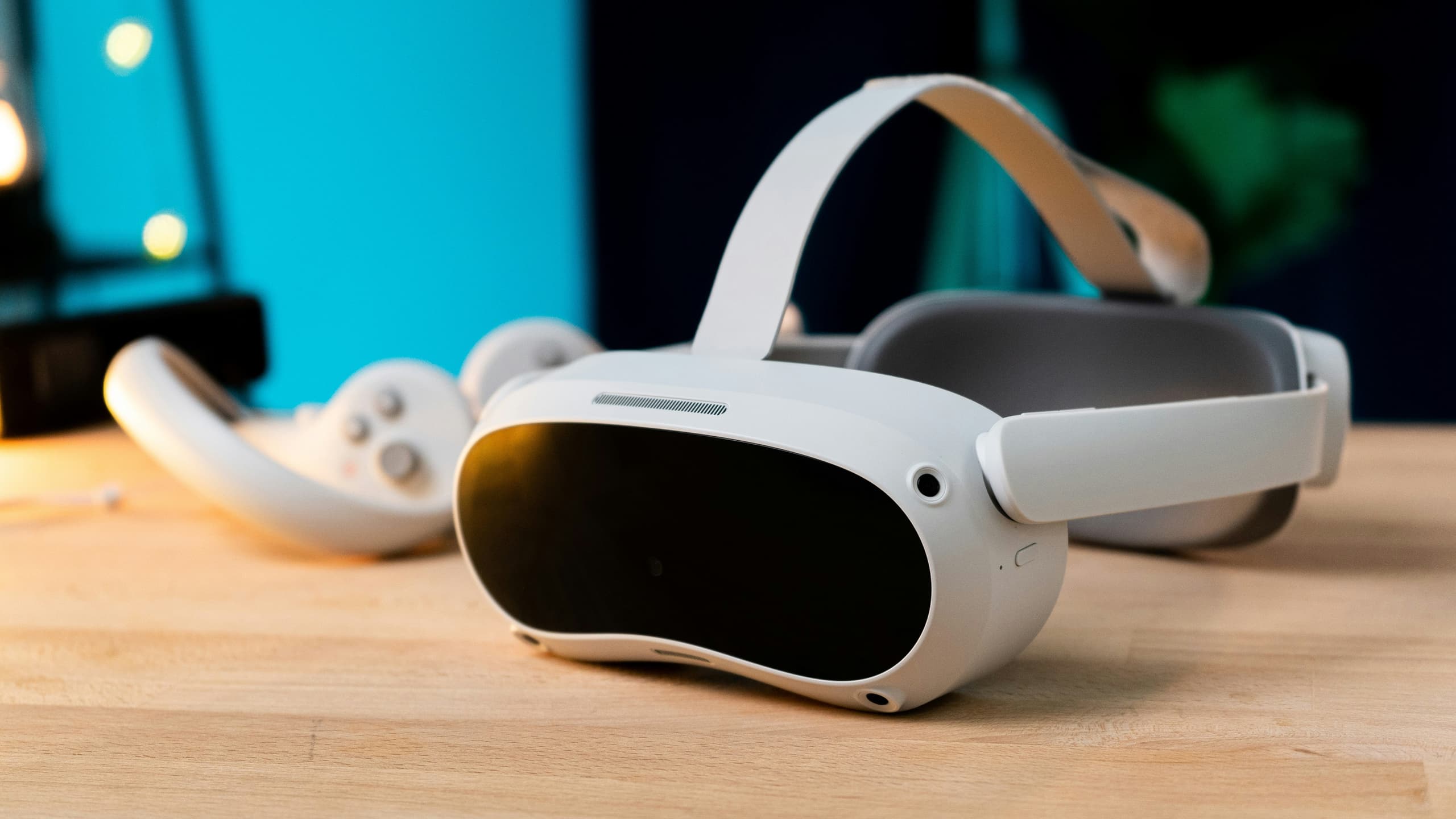
| Headset | The device worn on the head that allows your child to see and hear in virtual reality. |
| Controllers | Handheld devices that let your child use their hands in VR—like grabbing, pointing, or playing. |
| Guardian System / Boundary | A safety feature that creates a virtual “fence” so your child doesn’t bump into real-world objects. |
| Avatar | The character or figure your child uses to represent themselves in a VR game or space. |
| Lobby | A virtual waiting area where players gather before starting a game or activity. |
| Teleporting | A common way to move in VR—by pointing to a spot and “jumping” there instantly, instead of walking. |
| Haptics | Vibrations or feedback in the controllers that simulate touch or make games feel more real. |
| Mic On / Mic Off | Controls whether your child can speak to or hear other players in the game. |
| Voice Chat | A feature that lets your child talk to others in real time inside a VR space. |
| Public Room | An open space where your child may encounter random players in the VR environment. |
| Private Room | A locked space where only invited players can join, much safer for younger users. |
| Mute / Block | Tools your child can use to silence or stop unwanted communication from others. |
| Report / Flag | Options to report bad behavior (like bullying or inappropriate content) to the game moderators. |
| In-app Purchases | Items or upgrades your child can buy inside the game, often using real money. |
| Skin | A visual costume or look for an avatar—doesn’t change how the game works, just the appearance. |
| Age Rating | Guidance on what age group a VR game or app is suitable for—like movie ratings. |
| Parental Controls | Settings that help you manage what your child can do in VR (e.g., limit time, block content). |
| Supervised Account | A child’s account that is linked to your parent account, giving you oversight and management ability. |
| Screen Cast / Mirror | A way to see what your child is seeing in VR, shown on a phone or TV screen. |
| Motion Sickness | A common feeling of dizziness or nausea some people may get when using VR. |
VR Gamespeak